Why CompTIA A+?
When you're trying to break into IT and cybersecurity without a traditional college degree, certifications become your credentials. They're proof that you know your stuff, that you've put in the work, and that you can demonstrate competency in real-world skills. The CompTIA A+ certification is often called the "entry point" to IT careers, and for good reason.
The A+ certification proves you understand computer hardware, networking basics, troubleshooting methodologies, operating systems, security fundamentals, and mobile devices. It's not just theory—it's practical knowledge that translates directly to real IT work. Whether you want to be a help desk technician, system administrator, or build toward cybersecurity like me, the A+ gives you a solid foundation.
The certification consists of two exams: Core 1 (220-1101) focusing on hardware and networking, and Core 2 (220-1102) covering operating systems, security, and troubleshooting. Right now, I'm deep in the trenches studying for Core 1, and I wanted to share my journey, the resources I'm using, and what's actually working for me.
The Study Resources I'm Using
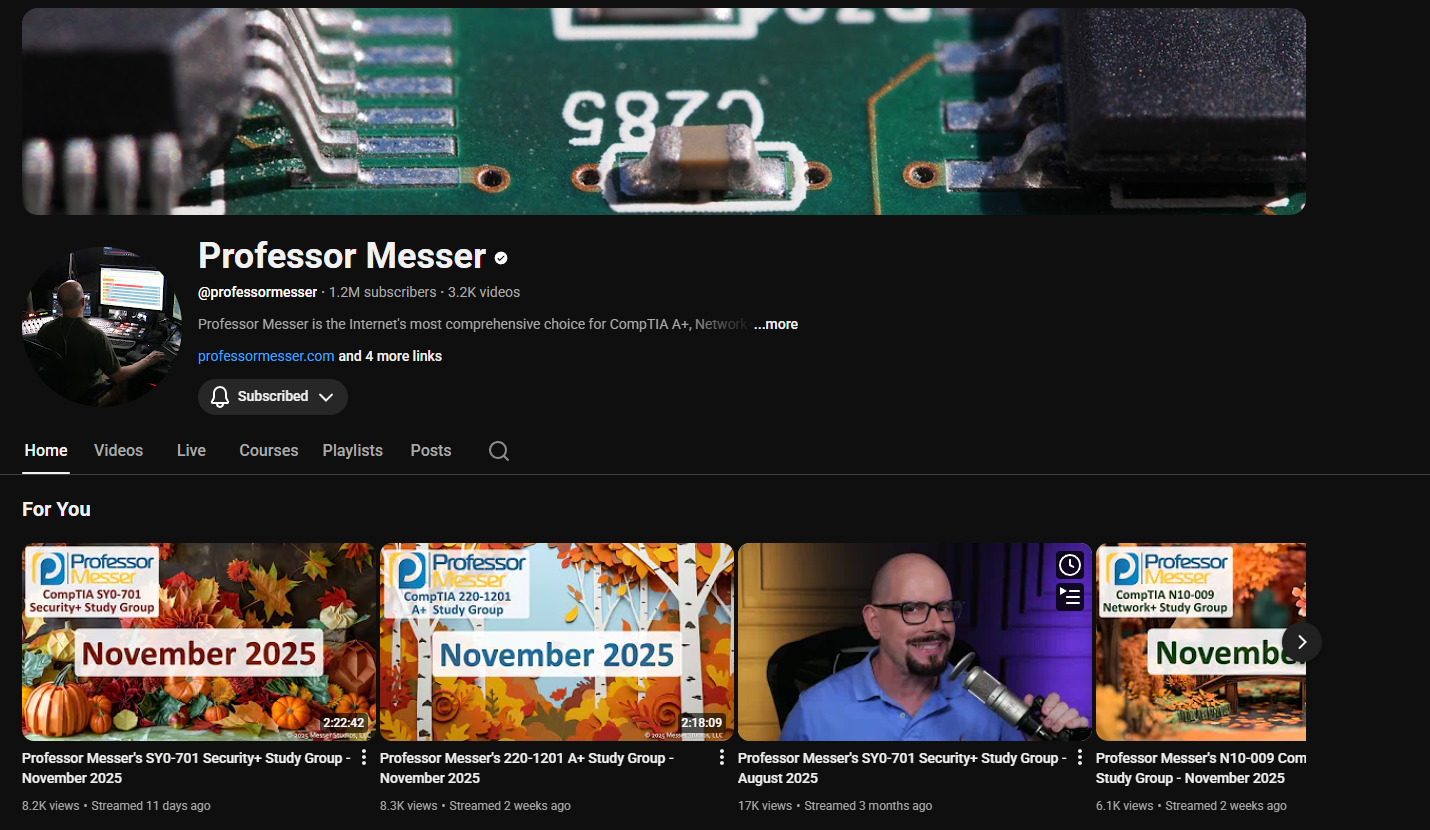
Professor Messer - The Free Foundation
If you're studying for A+, you've probably already heard of Professor Messer. His free video course on YouTube is legendary in the IT certification community, and for good reason. James Messer breaks down every single objective in the Core 1 exam into digestible video lessons, usually 10-15 minutes each.
What I love about his approach:
- No fluff - He gets straight to the point without unnecessary tangents
- Clear explanations - Complex concepts are broken down into understandable chunks
- Follows the exam objectives - His videos align perfectly with what CompTIA actually tests
- Completely free - The entire course is available on YouTube at no cost
Professor Messer's CompTIA A+ Core 1 Course
I've watched his entire Core 1 series, taking notes as I go. But here's the thing—watching videos alone isn't enough. You need active learning, which is where his paid resources come in.
Professor Messer Course Notes and Practice Exams
While his videos are free, I invested in Professor Messer's Course Notes and Practice Exams, and honestly, it's been worth every penny.
The Course Notes are comprehensive PDF study guides that align with his video series. They include:
- Detailed explanations of every exam objective
- Diagrams and visual aids
- Key points highlighted for quick review
- Practice questions at the end of each section
The Practice Exams have been invaluable for identifying my weak areas. They simulate the actual exam format with performance-based questions and multiple-choice scenarios. After each practice test, I review every question I got wrong and make sure I understand why the correct answer is correct—not just memorizing answers, but understanding the concepts.
YouTube Deep Dives
Beyond Professor Messer, YouTube has been an incredible resource for filling gaps and getting different perspectives on tricky topics:
PowerCert Animated Videos - Excellent for visual learners. His animations make networking concepts and hardware components easy to visualize and remember. PowerCert Educational Videos
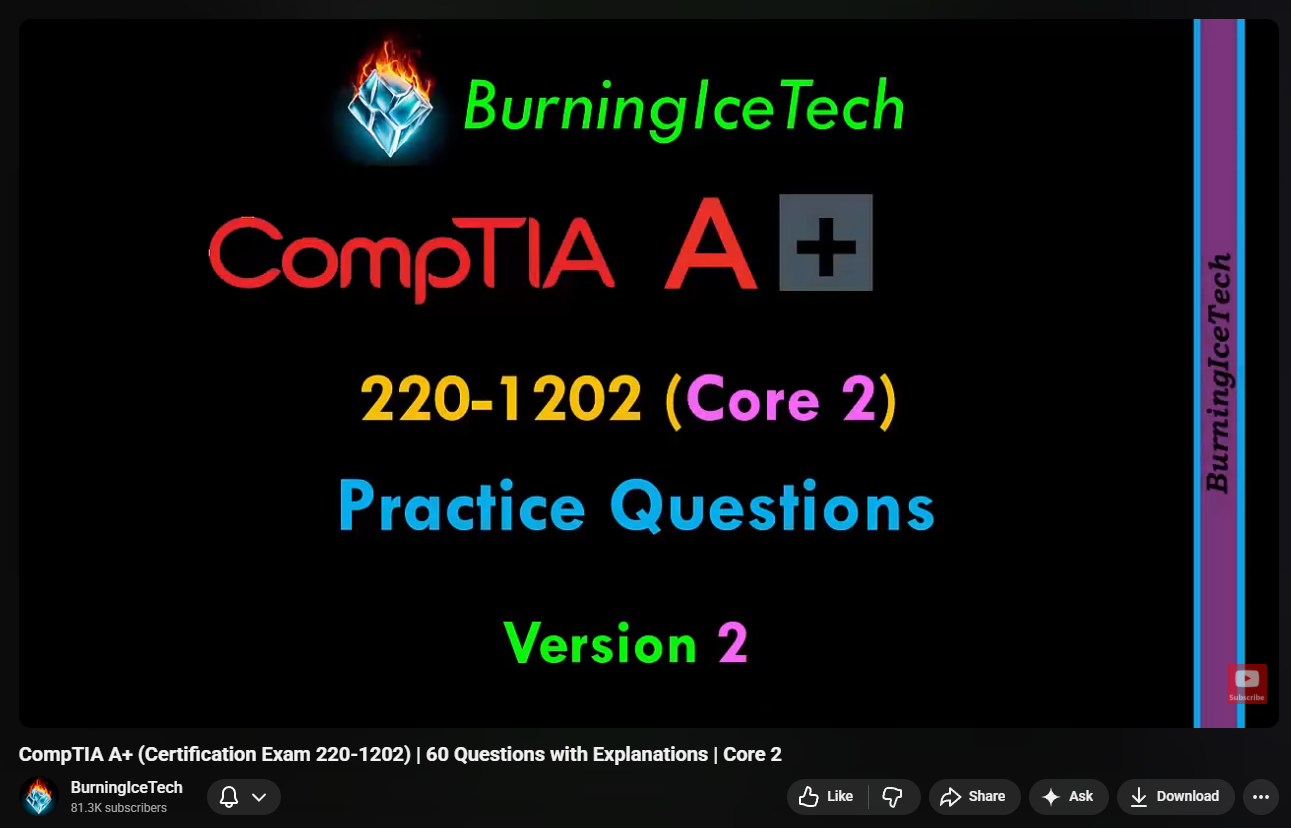
Burning Ice Tech - Great for supplementary explanations and real-world context. He approaches topics from a practical IT perspective.
NetworkChuck - While not A+ specific, his networking videos have helped me understand subnetting, IP addressing, and network troubleshooting at a deeper level.
CompTIA Official Channel - Occasionally I watch their exam overview videos and study tips to stay aligned with what CompTIA expects.
The beauty of using multiple YouTube sources is that different instructors explain things differently. If Professor Messer's explanation of RAID configurations doesn't click, maybe PowerCert's animation will. If I'm confused about wireless standards, I'll check three different videos until the concept solidifies.
Anki Flashcards - The Memory Game Changer
Here's where my study method gets serious: Anki.
For those who don't know, Anki is a spaced repetition flashcard app. Unlike traditional flashcards where you review everything equally, Anki uses an algorithm to show you cards right before you're about to forget them. Cards you struggle with appear more frequently, while cards you know well appear less often. It's scientifically proven to be one of the most effective memorization techniques.
The CompTIA A+ Core 1 exam has a lot of memorization. And I mean a lot:
- Port numbers - SSH (22), FTP (21), SMTP (25), DNS (53), HTTP (80), HTTPS (443), RDP (3389), and dozens more
- WiFi standards - 802.11a/b/g/n/ac/ax with their frequencies, speeds, and ranges
- Cable types - Cat 5, Cat 5e, Cat 6, Cat 6a, fiber optic types, coaxial specs
- RAM types - DDR3, DDR4, DDR5, SODIMM vs DIMM, speeds, pin counts
- Printer technologies - Laser printing process steps, inkjet maintenance, thermal printer components
- RAID levels - RAID 0, 1, 5, 6, 10 with their fault tolerance and minimum disk requirements
- Mobile connector types - Lightning, USB-C, Micro-USB, Thunderbolt versions
Trying to brute-force memorize all of this would be inefficient and frustrating. Anki makes it manageable.
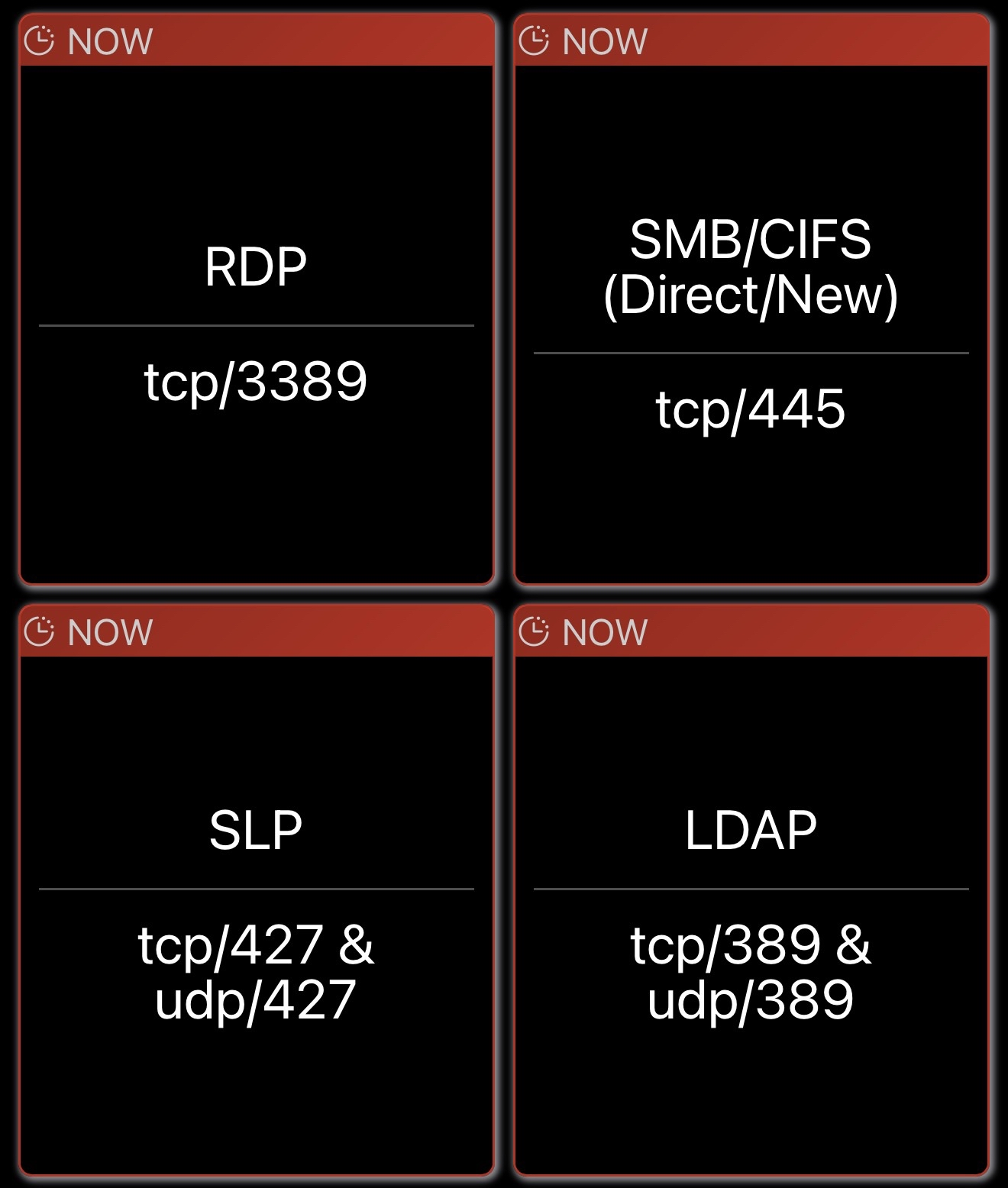
I've created hundreds of flashcards organized by topic. For example:
Front of card: "What port does HTTPS use?"
Back of card: "443 - Secure HTTP over TLS/SSL"
Front of card: "What are the specs of 802.11ac?"
Back of card: "5 GHz frequency, up to 1300 Mbps (or higher with MIMO), introduced 2013"
Front of card: "What is the laser printing process in order?"
Back of card: "Processing → Charging → Exposing → Developing → Transferring → Fusing → Cleaning"
Every single day, I spend 30-45 minutes going through my Anki reviews. At first, I had hundreds of cards due each day because everything was new. Now, the algorithm has adjusted, and I'm reviewing maybe 80-100 cards daily—focusing on what I'm struggling with while occasionally reinforcing what I already know.
The mobile app means I can study anywhere. Waiting in line? Review flashcards. Boring class? Flashcards. Before bed? Flashcards. The consistency is key.
Hands-On Practice
Here's something often overlooked in certification study: you need to actually touch the hardware and software you're learning about.
I've set up a home lab where I practice:
- Building and disassembling PCs - Understanding how components fit together, what connectors go where, troubleshooting hardware issues
- Installing operating systems - Windows 10, Windows 11, various Linux distributions to understand boot processes and installation procedures
- Configuring BIOS/UEFI - Changing boot orders, enabling virtualization, configuring RAID in BIOS
- Network troubleshooting - Using
ipconfig,ping,tracert,nslookup, understanding subnet masks and default gateways - Connecting printers - Setting up network printers, understanding print queue management
The exam has performance-based questions (PBQs) that simulate real tasks. You might need to configure a wireless router, identify cable types, or troubleshoot a network connection. Having hands-on experience makes these scenarios much easier.
CompTIA Exam Objectives
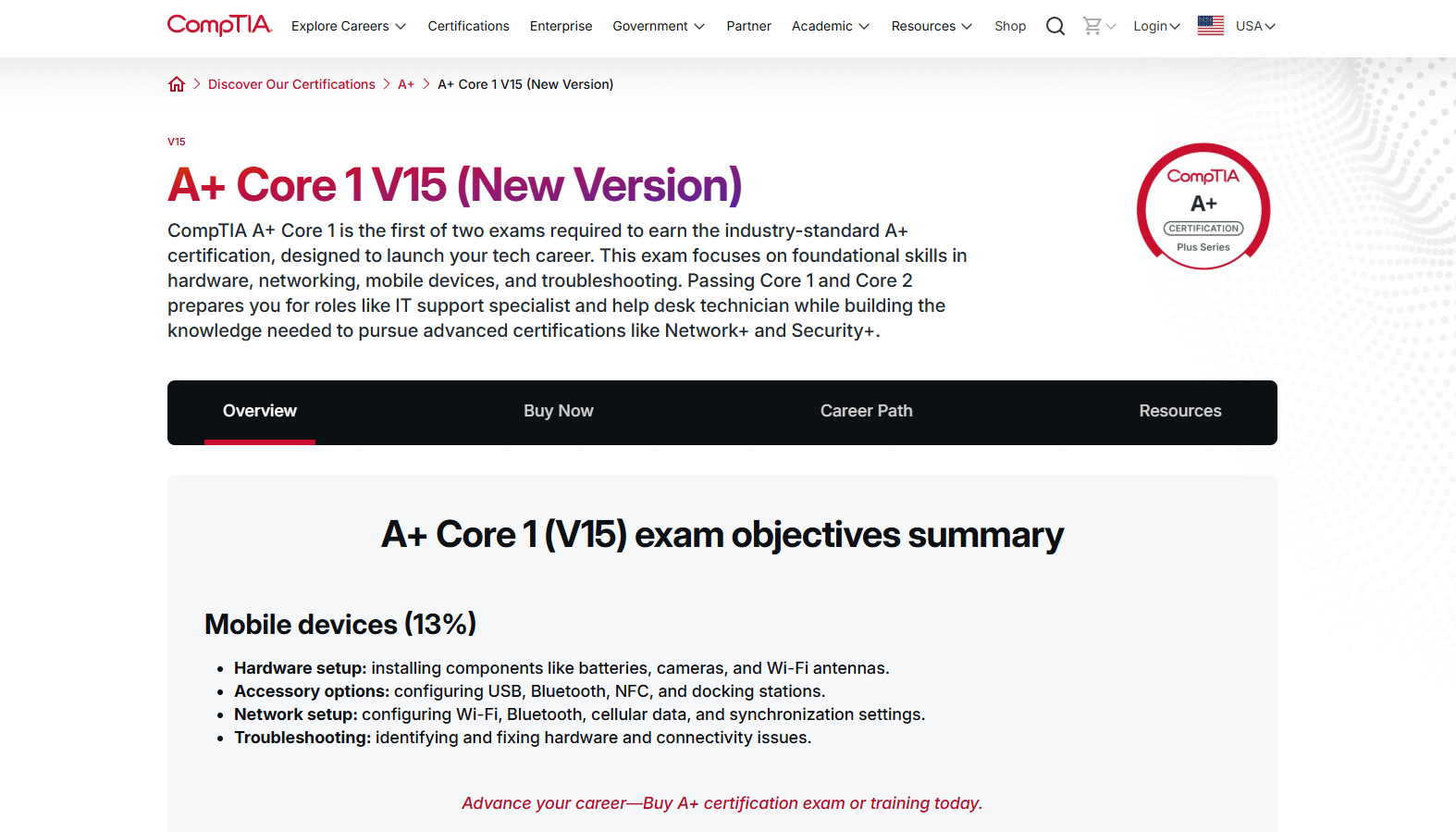
I downloaded the official CompTIA A+ Core 1 (220-1101) exam objectives PDF directly from CompTIA's website. This document lists every single topic the exam covers, organized by domain:
- Mobile Devices (15%)
- Networking (20%)
- Hardware (25%)
- Virtualization and Cloud Computing (11%)
- Hardware and Network Troubleshooting (29%)
I use this as my checklist. As I study each topic, I mark it off. It ensures I'm not missing anything and helps me allocate study time based on how much each domain is weighted. There's no point spending weeks on cloud computing (11%) if I'm weak on troubleshooting (29%).
My Study Routine
Consistency beats intensity. I've learned that studying 2 hours every day is far more effective than cramming 14 hours on the weekend.
Here's my typical study day:
Morning (30-45 minutes):
- Anki flashcard review while having breakfast
- Focus on cards due for review that day
Afternoon/Evening (1-2 hours):
- Watch 3-4 Professor Messer videos on a new topic
- Take notes in a dedicated notebook (writing helps retention)
- If the topic is confusing, supplement with PowerCert or other YouTube videos
Before Bed (15-30 minutes):
- Create new Anki flashcards based on what I learned that day
- Review Professor Messer course notes for the topics I covered
- Do a few practice questions from the practice exam bank
Weekly:
- Take a full practice exam (90 questions, 90 minutes)
- Review every wrong answer and understand why
- Identify weak domains and dedicate extra study time to them
Hands-On:
- At least 2-3 hours per week working with actual hardware
- Build/rebuild PCs, configure network settings, troubleshoot issues
- Practice tasks that could appear as PBQs on the exam
The Hard Parts (And How I'm Dealing With Them)
Let's be real: some topics are brutal.
Networking - Subnetting, CIDR notation, network topologies, and all those acronyms (TCP, UDP, DHCP, DNS, NAT, VPN, VoIP) can be overwhelming. I've had to watch the same videos multiple times and practice subnetting calculations dozens of times before it started to click.
Printer Troubleshooting - Why does CompTIA love printers so much? The laser printing process alone took me forever to memorize. Anki has been crucial here—I just keep drilling the steps until they're automatic.
Cable Specifications - Knowing that Cat 6 supports up to 10 Gbps at 55 meters but Cat 5e maxes out at 1 Gbps at 100 meters feels arbitrary until you understand why these specs matter in real deployments.
RAID Configurations - Understanding which RAID levels provide redundancy, which are just striping, how many drives you need for each—it's a lot of details that blur together if you don't organize them properly.
My strategy for hard topics:
- Watch multiple explanations - Different instructors, different angles
- Create detailed Anki cards - Break complex topics into smaller flashcards
- Teach it to someone else - Even if it's just explaining it out loud to myself
- Practice with real scenarios - Set up RAID in my home lab, subnet actual networks
Resources Summary
Here's everything I'm using, organized for easy reference:
Free Resources
- Professor Messer A+ Core 1 Videos
- PowerCert Animated Videos
- CompTIA Exam Objectives PDF
- Anki Flashcard App (free on desktop/web, paid on iOS)
- Reddit communities: r/CompTIA, r/ITCareerQuestions
- Discord servers for A+ study groups
Paid Resources (Worth It)
- Professor Messer Course Notes ($25-30)
- Professor Messer Practice Exams ($40)
- Anki iOS app ($24.99 one-time, optional but convenient)
YouTube Channels
- Professor Messer
- PowerCert Animated Videos
- Burning Ice Tech
- NetworkChuck (for networking deep dives)
- CompTIA Official Channel
Hands-On
- Home lab with spare hardware
- VirtualBox or VMware for VM practice
- Actual printers, cables, and network equipment when possible
The Mental Game
Studying for a certification while also running a business (Root Trek), creating YouTube content, and managing everything else is exhausting. Some days I'm motivated and crush through material. Other days, opening a textbook feels impossible.
What keeps me going:
The end goal - This certification is a stepping stone toward my cybersecurity career. Every hour I study is an investment in my future.
Small wins - When I nail a practice question that would've stumped me last week, it feels incredible. When I correctly identify a cable type just by looking at it, I know the studying is working.
Community support - Reddit, Discord, and YouTube comments are full of people on the same journey. Knowing others are struggling with the same concepts makes it less isolating.
Tracking progress - I keep a study log showing hours studied, topics covered, and practice exam scores. Watching those scores improve from 65% to 75% to 85% is motivating.
What's Next
I'm aiming to take the Core 1 exam within the next month. Once I pass Core 1, I'll immediately start studying for Core 2, using the same resources and methods that worked for Core 1.
After earning my A+, the next certifications on my roadmap are Network+ and Security+—the CompTIA trifecta that'll give me a solid foundation for penetration testing and cybersecurity work.
But for now, it's all about Core 1. All about ports and cables and RAID levels and WiFi frequencies. All about grinding through Anki cards and practice exams until this knowledge becomes second nature.
If you're studying for A+ or considering it, here's my advice: start now, stay consistent, use multiple resources, and don't just passively watch videos—actively engage with the material through flashcards, practice exams, and hands-on work.
The certification is achievable. The knowledge is valuable. And every IT professional started exactly where you are now: at the beginning, with a study guide and determination.
Let's get certified.
Useful Links:
- CompTIA A+ Certification Official Page
- Professor Messer's Free A+ Training
- r/CompTIA Community
- Anki Download
Have questions about my study process or want to share your own A+ journey? I'd love to hear from you!